Four questions. Then just shop.
Setup opens once, when you install. Your answers shape every size it suggests.
-
Which section do you shop?
Sizes run differently between sections. We never ask your gender.
Men’sWomen’sBoth -
How tall are you?
Reviewers often share their height, so this helps compare you with people your size.
ft / incm -
How do you like things to fit?
This nudges every size pick up or down.
SlimRegularRelaxedOversized -
What fits you best right now?
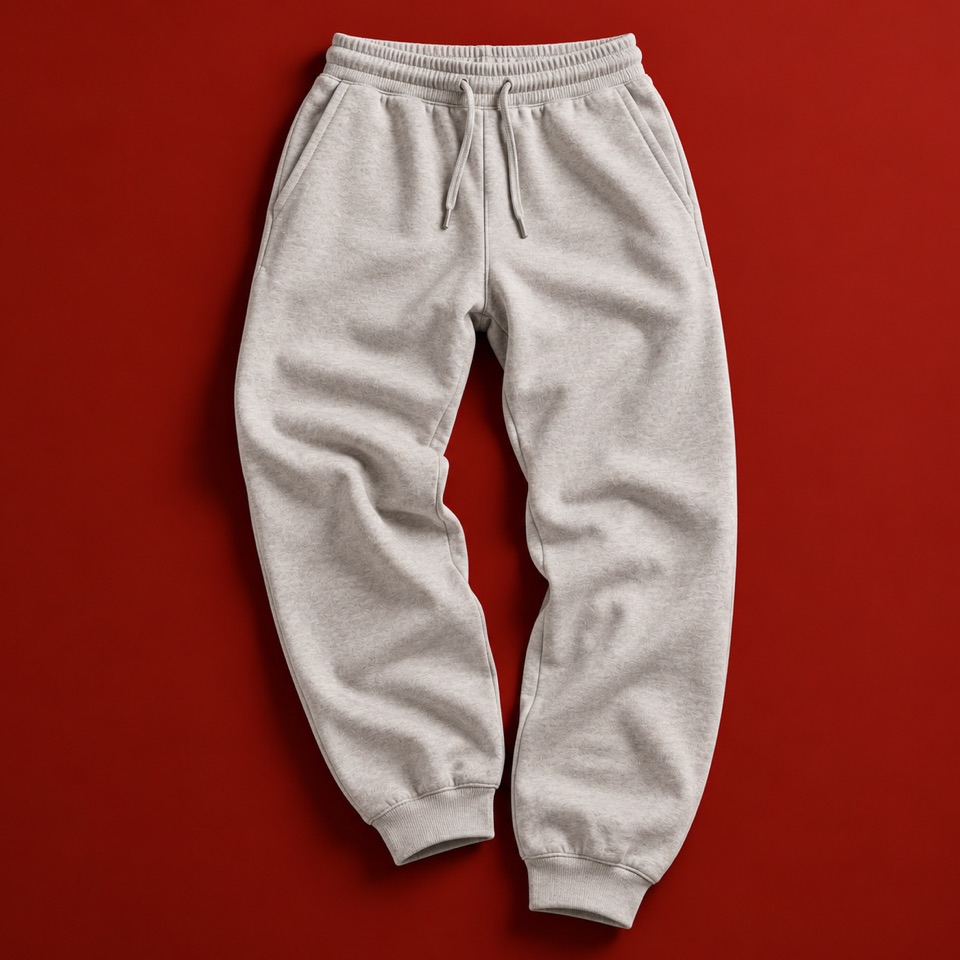
A top or bottom you own and love: its brand and size. Every other brand is compared against it.
TopBottom
-
Turn it on for a store
Click the toolbar icon on a product page. FittingRoom only runs on stores you turn on, and Chrome asks once per store.
-
See your size
A verdict appears next to the store’s size buttons, using the store’s reviews and size chart along with your answers.
-
Tell it how things fit
Your closet remembers what fit you at each brand. Mark a piece Just right, Too small or Too big, and the next size gets more accurate. It also counts down each store’s return window.
Your closet stays in this browser.
Nothing is tied to your name, address or card. One button deletes everything.
Get FittingRoom
Built at DubHacks ’26. Until it’s on the Chrome Web Store, install it from GitHub:
- Download the code and unzip it.
- Open
chrome://extensionsand turn on Developer mode. - Click Load unpacked and pick the
extensionfolder.